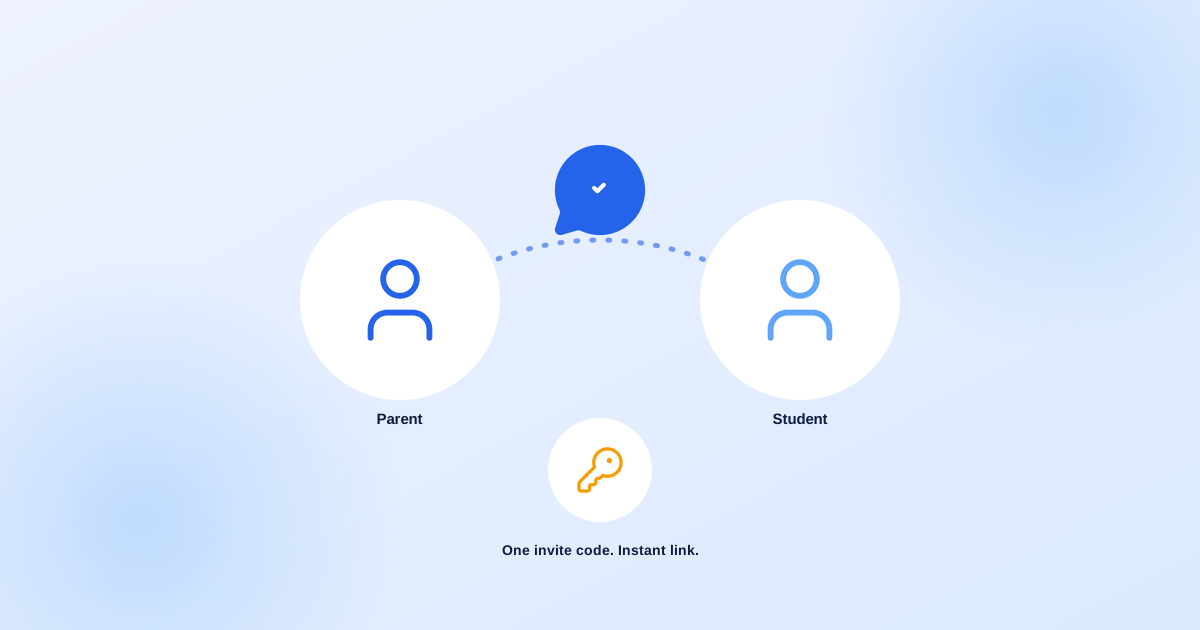
The most common way schools connect parents to a new system is also the riskiest one: someone in the front office creates a login, writes the password on a slip of paper, and hopes the right parent picks it up. It works, until it doesn't — a password gets shared with the wrong sibling, a login sits unused because nobody explained what it's for, or the office spends an entire afternoon manually creating fifty accounts before an orientation.
1What Actually Happens When a School Generates a Code
A registrar, school admin, or principal selects a student and generates a one-time invite — either a short code like SNQ-YXU, or a direct link. That's the entire staff-side task. No password to invent, no account to pre-create, no email to draft by hand.
2What the Parent Actually Sees
The parent opens the link, or types the code manually on the join page, and sees their child's name confirmed on screen — so they know immediately it's the right invite — before filling in their own name, email, and password. The moment they submit, their new account is already linked to their child. No second step, no waiting for office staff to "approve" the connection afterward.
3Why It's One Parent, One Student, By Design
Edukitor enforces one primary parent per student at the database level — not just as a form check a workaround could bypass. If a school later wants to add a second guardian (a working parent's spouse, a grandparent who's the primary caregiver during the week), that's a separate, deliberate step the primary parent has to approve. It never happens by accident from a leftover invite code. In practice this means:
- One primary parent per student, enforced where the data actually lives
- A separate "Additional Guardian" step, approved by the primary parent
- No scenario where two different codes both quietly work for the same student
4What Happens to a Code Nobody Uses
Invite codes expire automatically after 30 days, and staff can revoke one manually at any time — useful if it was generated for the wrong student, or a parent asks for it to be re-sent to a different email address. If a student gets connected to a parent some other way in the meantime, any old unused invite for that student cancels itself automatically.
5Why This Matters Beyond Convenience
A parent portal only creates value once parents are actually using it. A connection process that takes an office staff member fifteen minutes per family doesn't scale past a small handful of early adopters. A connection process that takes the parent themselves under a minute, unsupervised, is the difference between "we have a parent app" and "our parents actually use the parent app."
Want to see the actual join screen a parent sees? Try the live demo or ask us for a walkthrough.