Ask any registrar what actually breaks their attendance system, and most won't say "the software." They'll say "the internet." A brownout, a router that needs restarting, a signal dead zone right at the school gate — and suddenly the "automated" attendance system is back to a paper logbook until someone sorts it out.
1The Real Failure Point of Most Attendance Systems
Most RFID or barcode attendance tools are really just a scanner attached to a live database call. Tap a card, the system checks the internet, looks up the student, writes a row. If step two fails, the whole thing fails — usually silently, which is worse, because nobody notices until a parent asks why their child was marked absent despite tapping in that morning.
2How Edukitor's Kiosk Handles a Dead Connection
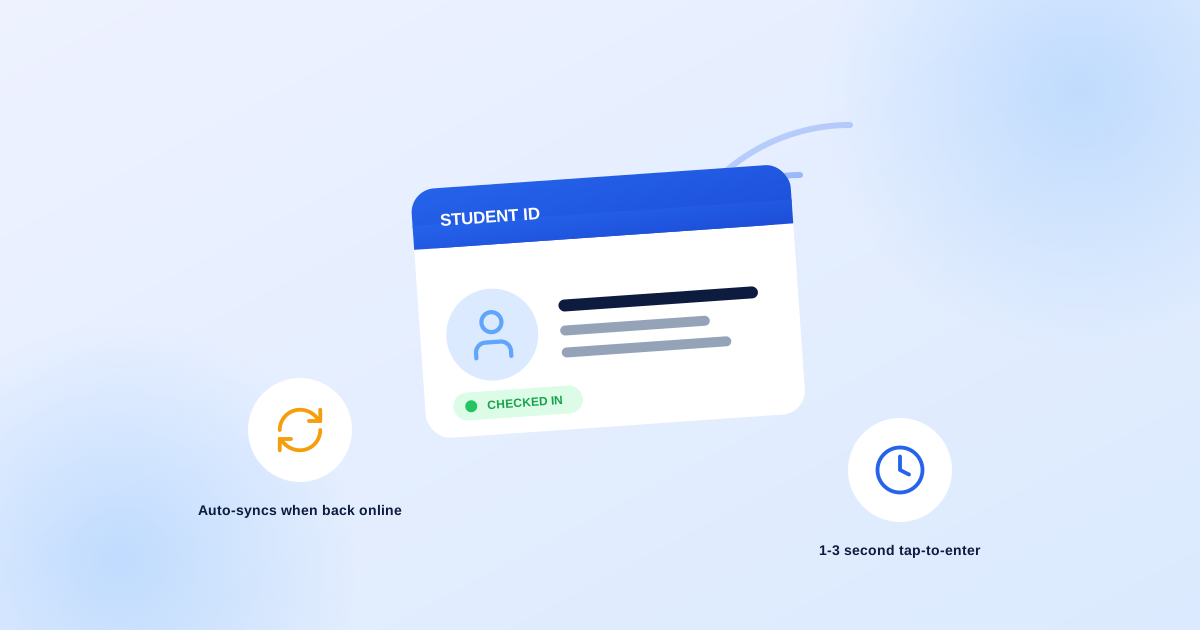
The kiosk keeps a cached copy of your school's entire student and staff roster — names, sections, photos — stored locally on the device itself, refreshed automatically every few minutes while online. When a card is tapped and the internet is down, the kiosk still recognizes the person instantly from that local cache, still shows their photo on screen, and still records the tap. It just queues that record locally instead of writing straight to the database.
The moment the connection comes back — thirty seconds later or three hours later — every queued tap syncs automatically, in order, with its real original timestamp. Nobody re-enters anything, and nobody even has to know it happened, unless they're watching the small connection indicator at the top of the kiosk screen.
3Why the Photo Confirmation Matters More Than It Sounds
Every successful tap flashes the person's photo on screen for a few seconds. It's a small detail, but it's the difference between "the card was scanned" and "we're confident it was actually that student" — a borrowed or swapped ID card gets caught by a gate monitor glancing at the screen, not discovered in an audit three weeks later.
4Built for How a Philippine School Gate Actually Runs
A typical morning means dozens of students tapping in within the same few minutes, a midday break some schools observe and others don't, and — for staff — overtime hours a simple "in at 8, out at 5" system can't represent. Edukitor's attendance policy is configurable per school:
- Your own on-time and late windows, not one fixed national schedule
- An optional midday break as a second in/out pair
- Overtime as a third pair, for staff who stay late
None of it is hardcoded to one school's timetable.
5What It Looks Like From the Front Office
Every tap — whether it went straight through or was queued from an earlier outage — lands in the same live activity feed, the same daily attendance calendar, and the same reports a registrar already knows how to read. There's no separate "offline log" to reconcile by hand at the end of the day. It's one system, whether the wifi cooperated that morning or not.
If your current attendance setup goes down every time your internet does, that's worth fixing before your next brownout, not after it. See how the kiosk works or request a walkthrough.